What the hospital portal looks like
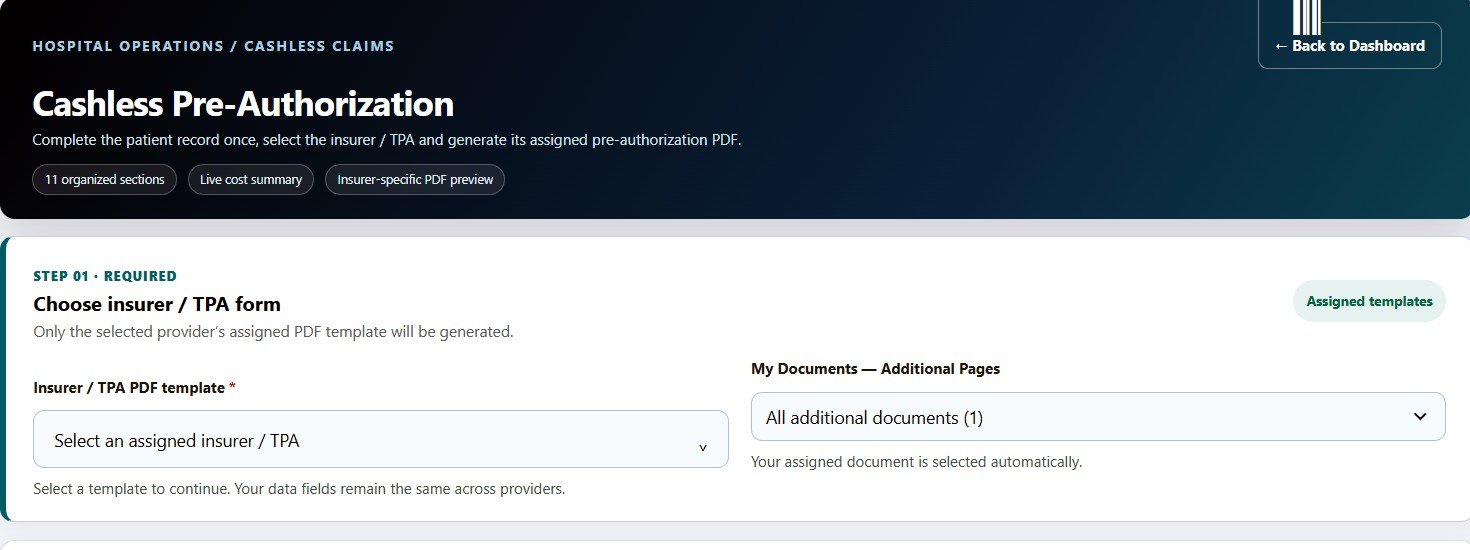
Below is an excerpt of the working PreAuths Pro hospital form. The available templates depend on your hospital account and administrator assignments.
Instead of repeatedly typing patient details into different formats, use a structured hospital workflow to prepare available insurer- and TPA-specific PDFs.
Below is an excerpt of the working PreAuths Pro hospital form. The available templates depend on your hospital account and administrator assignments.
Browse the free educational form directory. We link to official sources when verified and explain how to check current submission requirements.
PreAuths Pro is independent document-preparation software. It does not approve claims and is not affiliated with the insurer or TPA whose form you may be using. Check the current document requirements and verify every generated form before sending it.